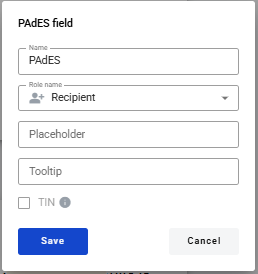
This field allows you to add an electronic signature to a PDF document
This field can only be added to a PDF document that has already been uploaded
How to add a PAdES field to a PDF document
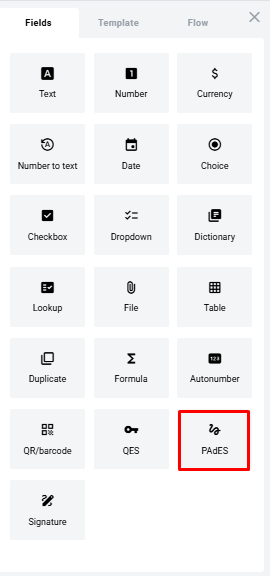
- To add a PAdES field to a PDF document, use one of the methods for adding fields via the field icon on the ‘Fields’ tab in the template editor menu
- A form for creating a field will appear, where you need to specify the field’s attributes
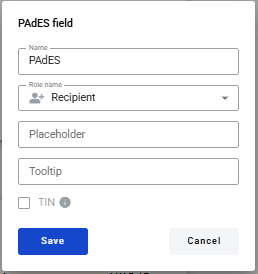
- Name is the name of the field
- Role name – the name of the role that will be assigned to this field
- Placeholder – this text will be displayed in the input field before anything is entered (you can leave it blank; the field name will be used instead)
Once all the attributes have been set, you can click the Save button, and the field will be added. You can click on the field to view its properties and update them. You can also delete the field from the same menu.