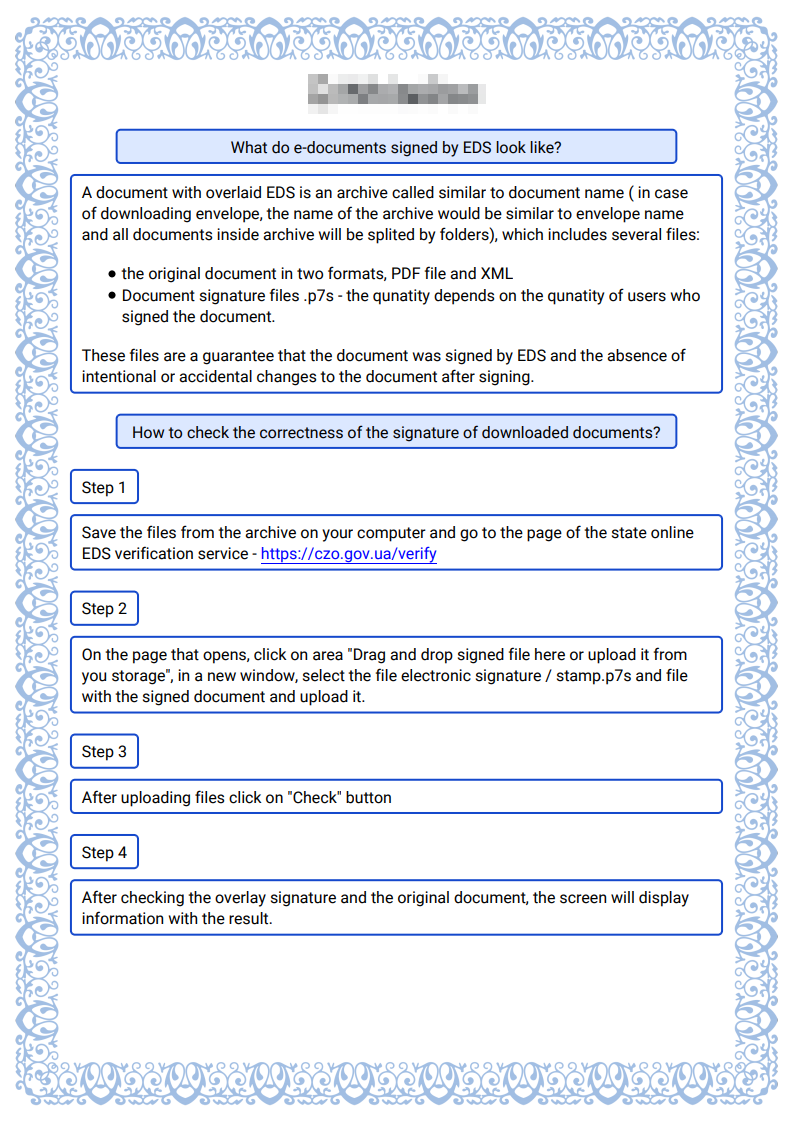
In the signing document certificate, you can find information about the document, signers, signs and stamps.
-
The document information section contains
-
Envelope UUID - unique identifier of the envelope
-
Envelope subject - subject of the envelope to which the document relates
-
Document ID - unique identifier of the document
-
Title of the document - subject of the document
-
Date of the document - it is the date of creation of the envelope
-
Template UUID - unique identifier of the template by which the envelope has been created
-
Template version - unique identifier of the template version
-
File name - name of the signed file
-
Number of signatures - quantity of the document signers
-
Electronic version of the document - link to the envelope on the web platform
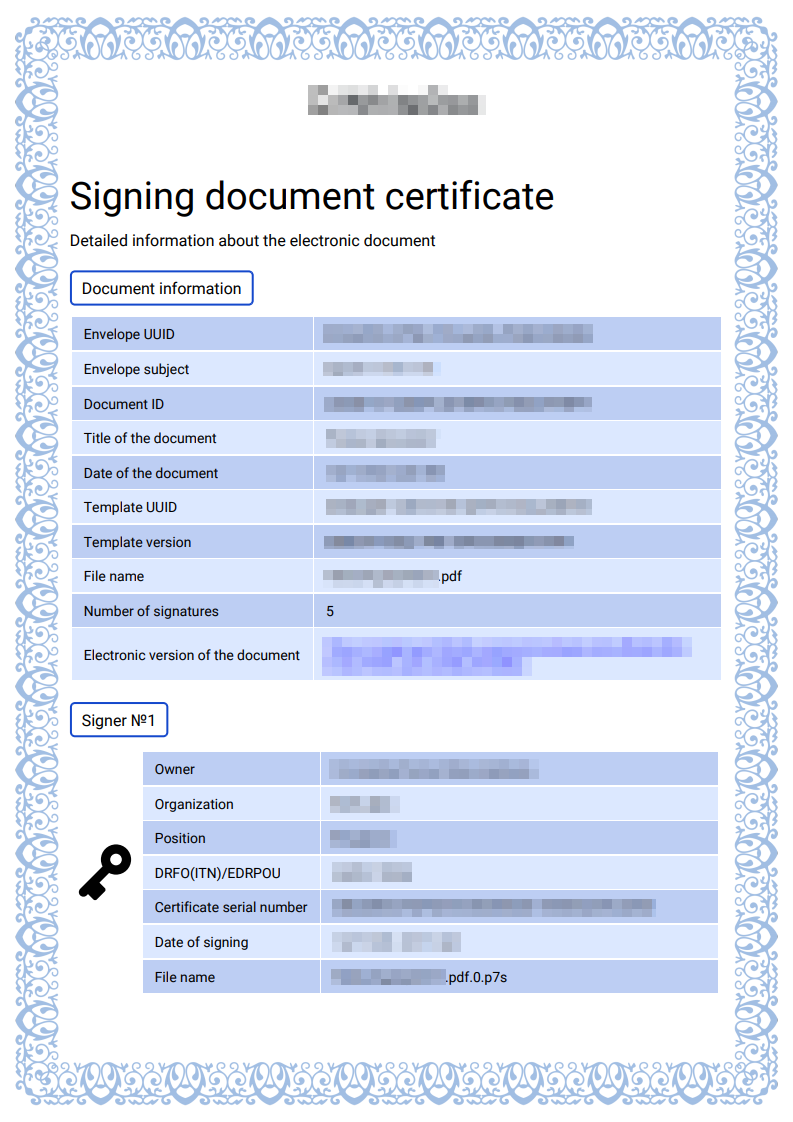
Section about the signer, sign and/or stamp contains (if it’s a signature, you will see a key icon opposite the table block with data, and if it’s a stamp, you will see a stamp icon opposite the table block with data)
-
Owner - name of the signature owner
-
Organisation - name of the organisation to which the signature belongs
-
Position - signer position in the company
-
DRFO(ITN)/EDRPOU - Identification code of signer or company
-
Certificate serial number - the number of the certificate with which the system can guarantee the identity of the signer
-
Date of signing - date of the signing document
-
File name - signed file with extension
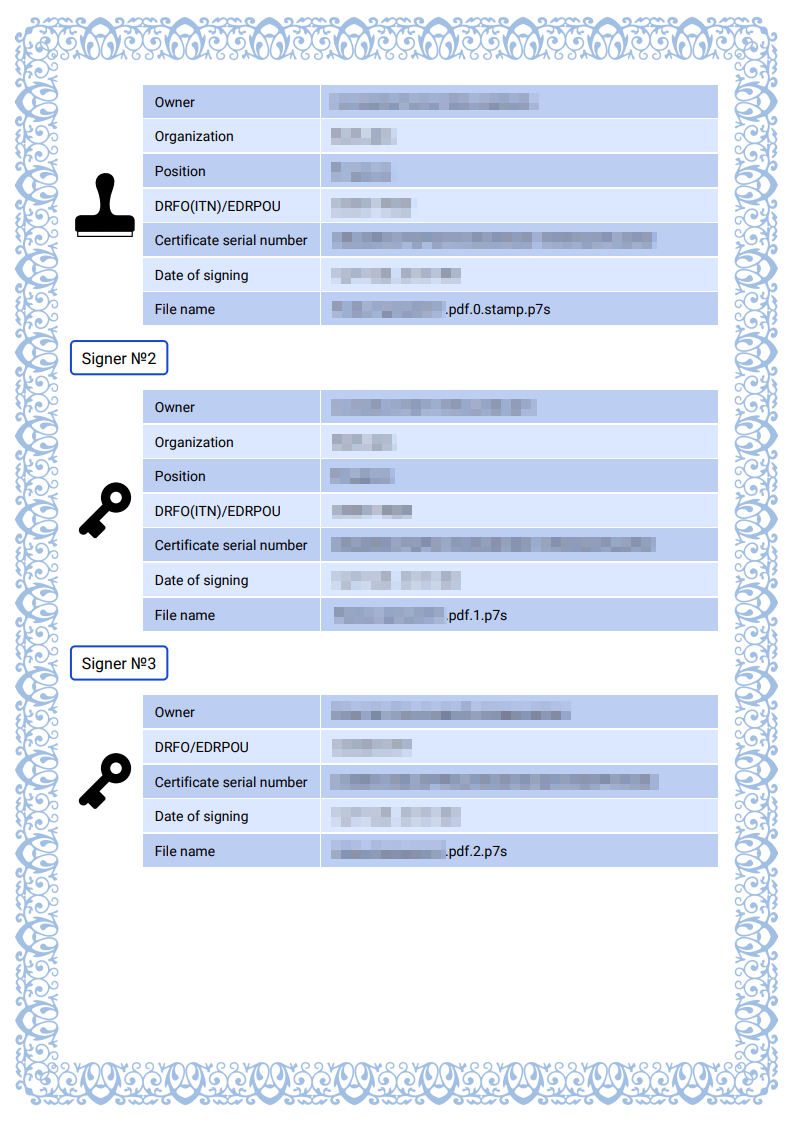
Explanation of what QES is and instructions on how to check the validity of the QES